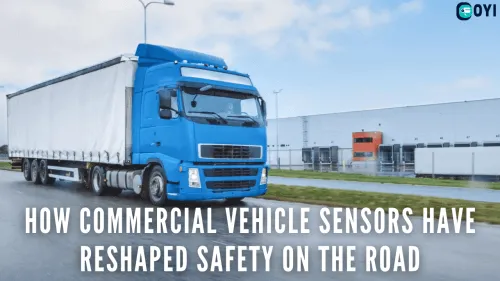
A truck’s blind spots make it challenging to drive. Having extensive zones on all four sides of their truck, smaller vehicles, like motorcycles, become practically invisible to the drivers. However, camera-based tools have toned down the impact of these danger zones. A truck camera recording system is no exception, providing video footage of your surroundings.
Semi and commercial truck camera systems have various benefits, including video evidence for legal proceedings. Additionally, they can get you the much-needed insurance after an accident. So, let’s take a deep dive into these truck camera recording systems and uncover everything there’s to know!
What Does a Truck Camera Recording System Do?
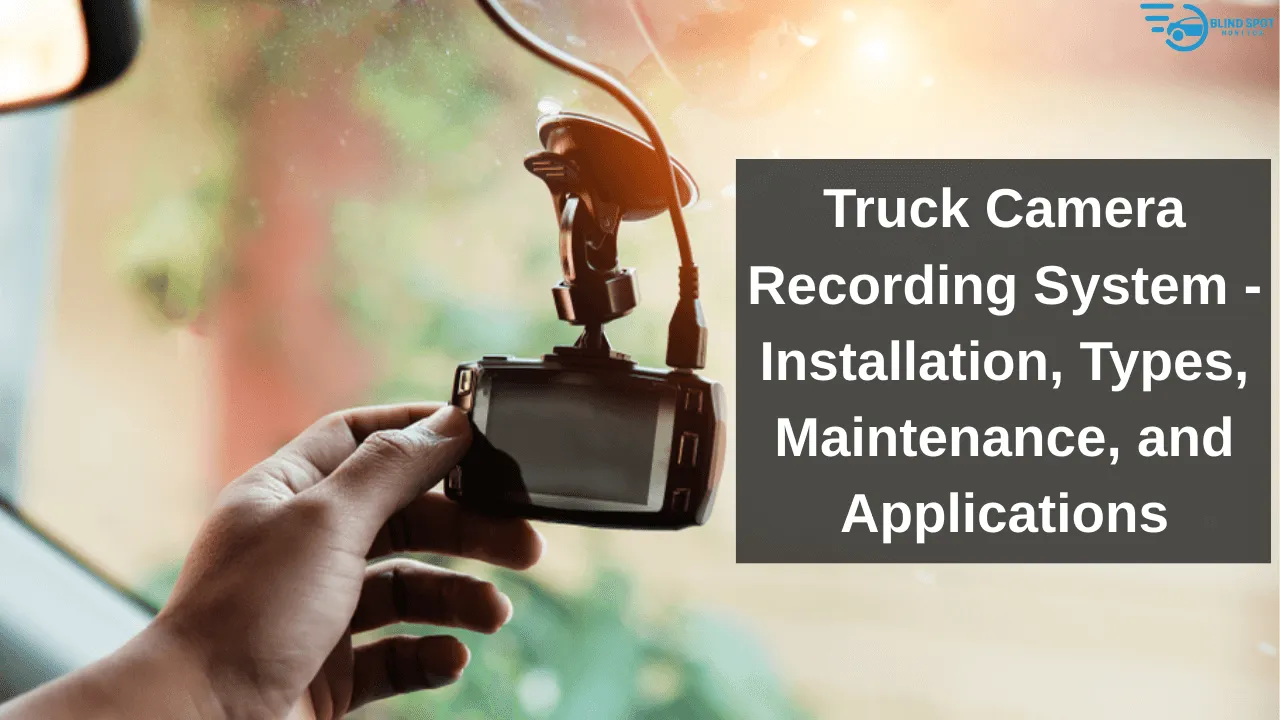
The functionality of a truck camera recording system can vary from model to model. However, its basic premise is common. It records footage of the road for later viewing. These systems rely on one or multiple cameras.
These cameras are located strategically around the truck to minimize all four blind spots, with a storage unit to save your recordings. Another critical component is a screen. While older systems might not have it, modern ones do. It acts as the display unit to view your video recordings.
The features of a truck camera system can vary depending on its type. So, let’s look at the primary types of camera systems you can buy for your truck!
1. Truck Dash Cameras
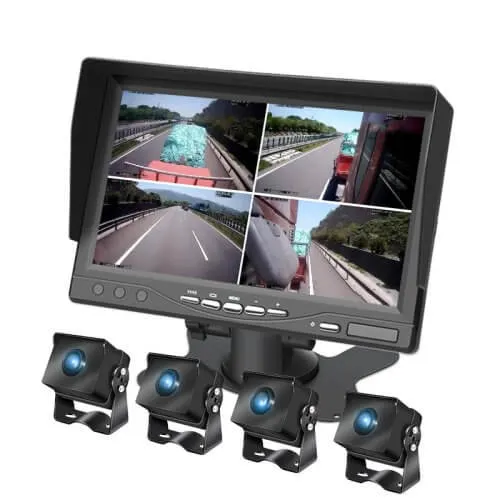
Dash cameras are the old-school yet evergreen driving assistant systems. They rely on one or two cameras. A single-cam system records the frontal road, while dual-cam systems also capture the rear area.
Although their function remains the same, modern dash cams have advanced features. For instance, most newer truck dash cameras provide real-time streaming. So, you can view the footage while it’s recording. Also, multi-cam dash cameras offer different video modes, like split-screen. These features have enhanced the overall experience of using a dash camera, especially for trucks.
2. 360 Truck Camera System
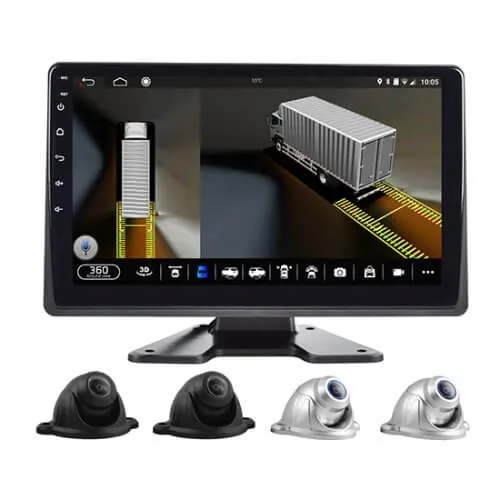
A 360-truck camera system is a significant upgrade to traditional dash cams. These systems use multiple cameras to cover all four blind spots of a truck. Thus, you are not limited to one or two recording modes.
Furthermore, the 360 camera system allows rotating the lenses. This way, truckers can get the specific view they need. It comes in handy in crowded urban environments, especially on highways and parking spaces.
3. Truck Reversing/ Backup Cameras
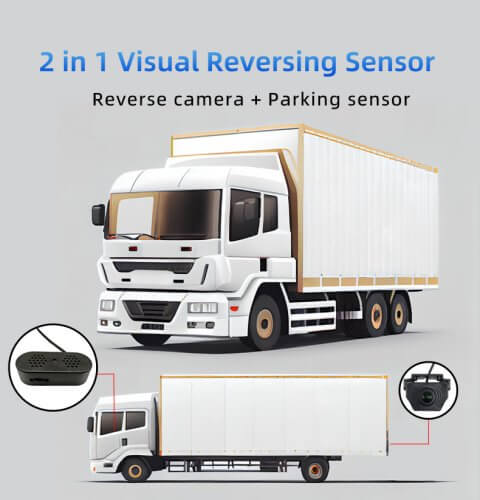
These are the truck parking or reversing cameras. Also known as backup cameras, they activate when the truck is in the reversing mode. Truckers use these cameras to detect and provide vision of the nearby obstacles.
Moreover, these backup cameras display gridlines on the screen. They can help park or reverse your truck without colliding with nearby objects, including poles, guard rails, and other parked vehicles.
4. Truck Rear-view Camera System
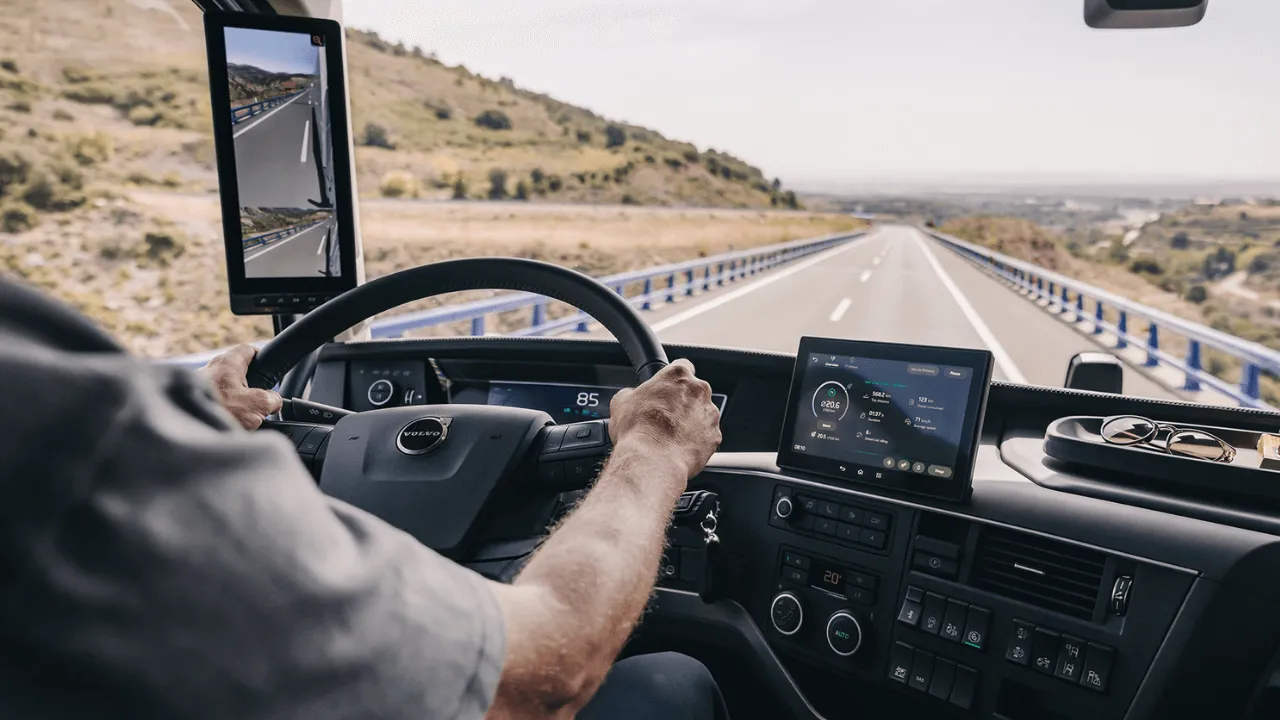
The truck rear-view camera system replaces your existing rear-view mirror. It features a single camera and a slick screen that mounts on the rear-view mirror’s place.
The camera provides a detailed view of the rear blind spot. It works more effectively than traditional rear-view mirrors.
Installation & Maintenance Guide for Truck Camera Recording System
The installation method of each type of truck camera recording system can differ. However, let us tell you the universal process of installing this system on trucks. Here’s how to set up each component:

Cameras
The number of cameras can affect the installation complexity. Let’s say you opt for a 4-channel dash cam. These are the mounting locations for each camera:
- Front Camera: If it is a single-cam dash cam, you can install the front camera on the rear-view mirror’s backside. However, the front camera is mounted slightly above the front grille in a 4-channel or other multi-camera system.
- Rear Camera: The rear camera is mounted slightly above the license plate on pickup trucks. But, the ideal location for semi and commercial trucks is on top of the rear door.
- Left & Right Cameras: Generally, side cameras are installed on the truck side-view mirrors. In some models, the mounting location can be the side panel.
Screen
The screen is one of the most integral components of a truck camera recording system. In most types, you get a display unit. Where do you set it up?
Well, that depends entirely on the type of your system. Let’s say you have a backup camera or dash cam. In that case, the screen sits comfortably on the truck’s dashboard.
However, this location can differ drastically in rear-view camera systems. For that, you have to replace your existing rear-view mirrors with the screen.
Some modern truck cameras might not offer a screen. Instead, they turn your smartphone into a display unit. They come with a truck camera recording system app that synchronizes the cameras with your mobile phone, allowing you to view recorded footage on it.
Cables
If you have a wireless truck recording system, you can skip this step. However, wired systems are comparatively more accessible in the market. So, here’s how to handle the cables:
- Connect the appropriate power cables to each camera.
- Now, input the video cables into your cameras.
- The output side of the video cables should be connected to the screen.
- Lastly, connect your screen to the power source.
What’s the power source? Some models might connect directly to the truck’s power source, while others may be powered by batteries.
The last step is to secure the wiring and make it discreet. A truck can have different electrical components. Make sure the cables do not interfere to avoid electrical short circuits. Also, concealing the wires and extensions will make your interior look more organized.
Installation Tips & Considerations
Some simple tips can make the installation process easier and more effective. Here’s everything you need to know:
- Take a thorough look at the product manual. Make sure to understand specific instructions if you choose DIY installation.
- Carefully choose camera locations to get an optimal view of your surroundings.
- Consider buying cameras that resist weather conditions and have shockproof mounting equipment to avoid video disruptions.
- Always consider the truck’s body and build before mounting cameras to avoid obstructions.
- If you struggle with installation, hire a professional or consult the manufacturer.
- Test the system in your driveway or a clear street before heading to busy highways.
Maintenance of Truck Camera Recording System
Generally, a truck camera recording system doesn’t require much care. Some simple practices can help maximize the efficiency and increase the system’s lifespan. So, let’s see the maintenance process:
1. Camera Care
Cameras are the key components in a truck camera system. Without them, there is no recording. So, always clean your camera lenses after driving in extreme weather or outdoor conditions. Avoid letting dirt or debris accumulate on the lens surface.
Also, inspecting the camera equipment is highly recommended. Regularly check the mounting brackets and protection covers. If there’s a fault, repair or replace these components. Otherwise, the cameras can face direct damage, leading to malfunction and costly repairs.
2. Power Source Inspection
It is always a good idea to avoid electrical problems. So, regularly inspect your camera system’s power source. If it is connected to your truck’s power, check the wiring and harness. Alternatively, keep spare batteries by your side, especially during long truck journeys.
3. System Updates
Lastly, make sure your recording system stays updated. Typically, manufacturers release new updates from time to time. If you stay behind, you might face errors. Additionally, check for mobile updates if your system has one.
Applications of Truck Camera Recording System
A truck camera recording system is versatile and, hence suits various truckers, personal and professional. Here’s the complete breakdown of who can use these systems.

Independent Truckers
Personal or independent truckers can use the truck camera system. Usually, these truckers are not as experienced. Hence, the camera system makes it easier for them to navigate busy highways and parking spaces. Additionally, they can capture their journeys for future viewing.
Fleet Management Companies
Commercial truckers have to travel long hours, leading to fatigue, making it a leading cause of severe road accidents. Fleet managers can encourage using tools, like a camera recording system. Such driving assistants can increase trucker’s safety and allow managers to document their traveling.
Service Trucks
Service trucks refer to vehicles used in fire departments, construction companies, and other service industries. They carry valuable cargo, requiring enhanced safety. That’s where the camera recording system comes in. Most modern systems have timelapse mode, allowing them to record even when the truck is parked. It can help avoid thefts and other crimes to protect the cargo.
Conclusion
And that’s all there is to know about a truck camera recording system. It offers various benefits, such as improving driver’s safety. Additionally, it also ensures the safety of other vehicles and passengers. With this camera system, you can create a safer driving environment. Plus, it can help enhance your truck-driving skills, including response time and decision-making.
However, choosing the right truck camera recording system is equally important. Consider buying from a reputable manufacturer, like OYI Electronic, to avoid future problems. Also, we offer an installation guide, a supportive warranty, and durable camera systems at factory prices. So, what are you waiting for?
Related Products: