Did you know that 3,240 deaths due to road accidents were reported in just the four months of 2025? Fatal accidents and vehicle collisions have become pretty common on today’s crowded highways. The worst part? There are many solutions available that can avoid these unfortunate events entirely, and yet, people still don’t use them.
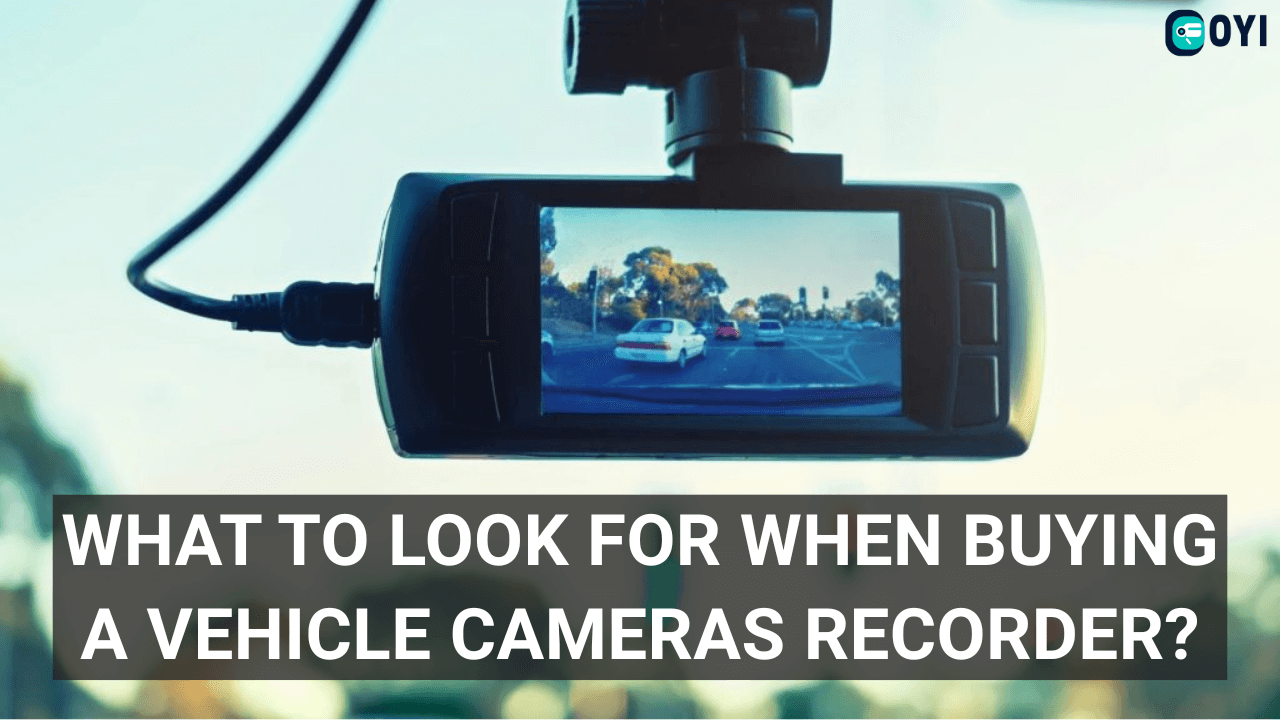
One such solution is a vehicle cameras recorder. It can prevent accidents, increase blind spot awareness, and make you a better driver. Still, a study suggests that only 10-18% of drivers use dash cams in the US. Do you want to be better than these drivers? Then, consider getting the vehicle video recorder. Don’t know what to look for? Here’s the detailed guide that exactly covers that!
How Does a Vehicle Cameras Recorder Work?

The vehicle camera systems have a very simple working mechanism. They rely on one or multiple lenses to record and provide surveillance to the driver. Moreover, these systems also use a display unit such as a screen.
This screen is usually mounted on a vehicle’s dashboard, so it is more accessible for drivers to monitor it at all times.
That said, let’s take a detailed look at how these systems work:
1. Camera Monitoring & Surveillance
The cameras are designed to stay active throughout driving journeys. They connect seamlessly with display units to provide their output feeds. Now, there’s one thing to know. A system can have one or multiple cameras. However, they are all connected to each other—-delivering a synchronized vision.
2. Video Storage
If you go for a vehicle dash cam recorder, it depends on the storage to record footage. This footage can come in handy in many situations, like the following:
- Accident disputes
- Legal proceedings
- False insurance claims
Typically, camera systems use different storage methods like cloud, SD cards, and internal memory, to store these videos.
3. Video Viewing
A camera-based recording system allows drivers to view these videos in two ways. It could let you watch the live output in real-time as you are driving.
Otherwise, drivers can watch this video later. If your system has an SD card or cloud storage, you can even view these recordings on other devices.
4. System Settings
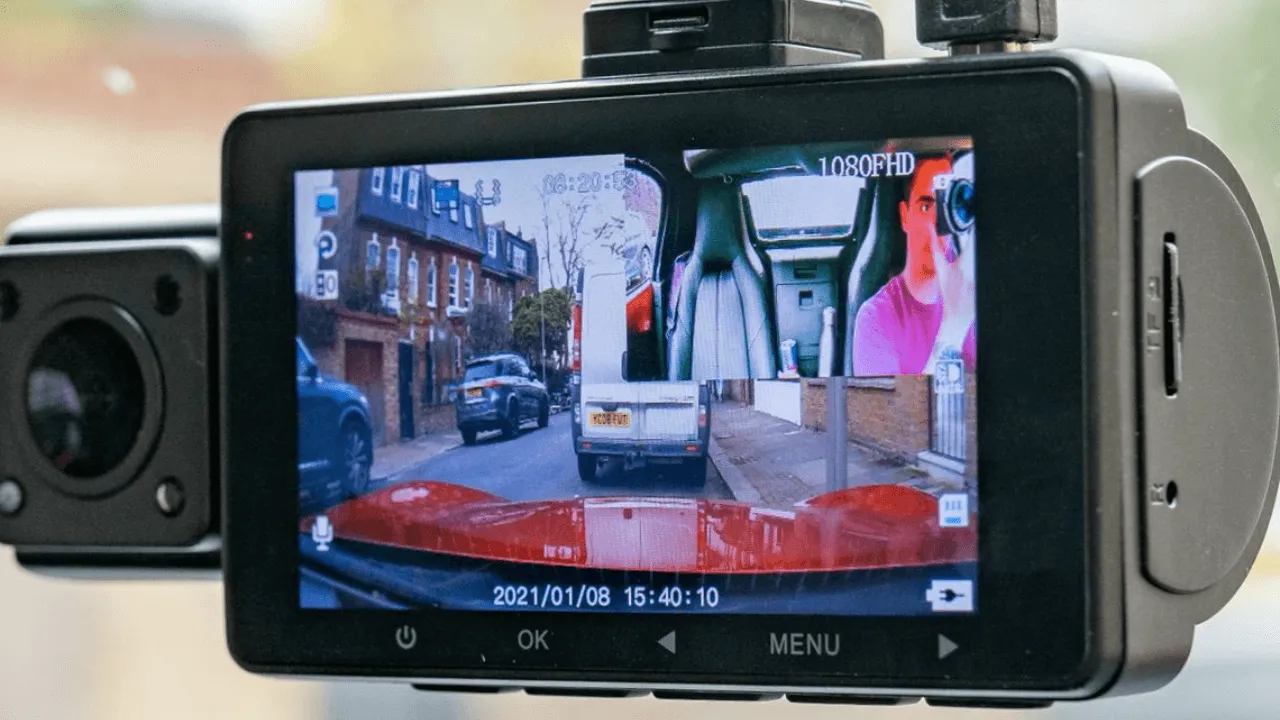
Almost every camera-based solution offers some basic and advanced video editing settings. For instance, you can decide to watch a single lens output or all four channels with a split-screen mode.
Similarly, many systems let you manually adjust some system settings like brightness, exposure, language, etc. These options allow you to customize the system according to your needs.
7 Key Features to Look for in a Vehicle Cameras Recorder
A vehicle cameras recorder system is one of the best beginner-friendly driving assistant systems. However, buying the right one isn’t easy, especially for those with no experience.
That is why we have handpicked 7 key features to shortlist your options and find the best system within your budget. Let’s dig in!
1. Video Quality
Video quality is easily one of the most important features to consider. A lower resolution, like a 360p or 480p screen and camera, can make it significantly more challenging to record road movements. Furthermore, they require a greater focus from the driver, which could be difficult when the driver’s attention is on the road.
Therefore, consider purchasing a 720p, 1080p, or higher video resolution screen and camera. They can ease the monitoring process for you, allowing you to maintain focus on the road. Higher video qualities also ensure recording even the most minor details, such as a license plate. Hence, they can be more useful in legal proceedings and accident disputes.
2. Storage Unit
The type of storage can heavily impact your experience with a vehicle camera recording system. Let us break down the three main types and their key features:
- Internal Storage: A system with fixed storage is the least flexible. Because if this memory gets full, there’s nothing else you can do except delete older footage. The worst part? This storage can not be replaced. Thus, if it gets damaged, you might have to contact the manufacturer or buy a new system.
- SD Card: An SD card is one of the most common choices for new buyers. It is flexible and user-friendly. If the storage gets full, you can replace the SD card. Even better, you can connect this memory unit to other devices. So, you can manage the storage or watch your recordings on bigger screens.
- Cloud Storage: Cloud storage is one of the emerging storage units for vehicle video recorders. Its highlight is accessibility. The cloud storage eliminates the need for physical memory. Instead, you can access your recorded footage anywhere, anytime.
So, how to choose the best storage unit? Well, it depends entirely on your budget. For example, systems with cloud storage might be the most expensive ones. If you can’t afford them, consider going for an SD card-supported video recorder.
3. Mounting Bracket Durability
This is one of the most overlooked factors when buying a new dash cam. Generally, people prioritize the screen and camera quality, and rightfully so. However, an unstable mounting bracket can cause a lot of damage. Bumpy roads and uneven surfaces can cause a low-quality bracket to loosen up and drop the lens. And that can cause permanent damage to lenses—leaving no option but to buy a new one.
4. Weather Resistance
Drivers, especially professional ones, have to drive in all weather conditions. Thus, it is highly recommended to buy a camera with weather resistance. It allows the lenses to work accurately throughout rain, snow, and sleet. So, you can always monitor the surroundings without any challenges.
5. Real-time Viewing or Just Recording
Another question to ask yourself is what kind of camera-based system do you need? Do you want one that offers real-time surveillance? Or, a dash camera that only supports recording is enough?
Well, this factor can also come down to your budget. A surveillance system that offers a real-time vision of your surroundings is usually more expensive, especially if it uses two or more lenses. However, a classic dash cam is a more affordable pick.
6. Loop Recording
Loop recording is one of the most important factors in dash cameras. It eliminates the challenges of manual storage management. Let’s say you are driving on a busy highway, your camera system is active, but its memory gets full.
Loop recording handles that by overwriting older videos to store new ones. It ensures that newer recordings don’t get interrupted by storage issues. So, you can continue driving and let the system handle the storage.
7. G-Sensor
Another overlooked feature is a G-sensor in a vehicle camera recorder. Let us give you another scenario. What if your camera recording is off and you get into an accident? The lack of video evidence can make it challenging to prove who was at fault.
But the G-sensor can fix this issue. It calculates the distance and speed of another video to predict a potential collision. Then, it automatically triggers video recording to capture the event. This way, you can never miss critical footage.
How to Install Vehicle Cameras Recorder Systems?
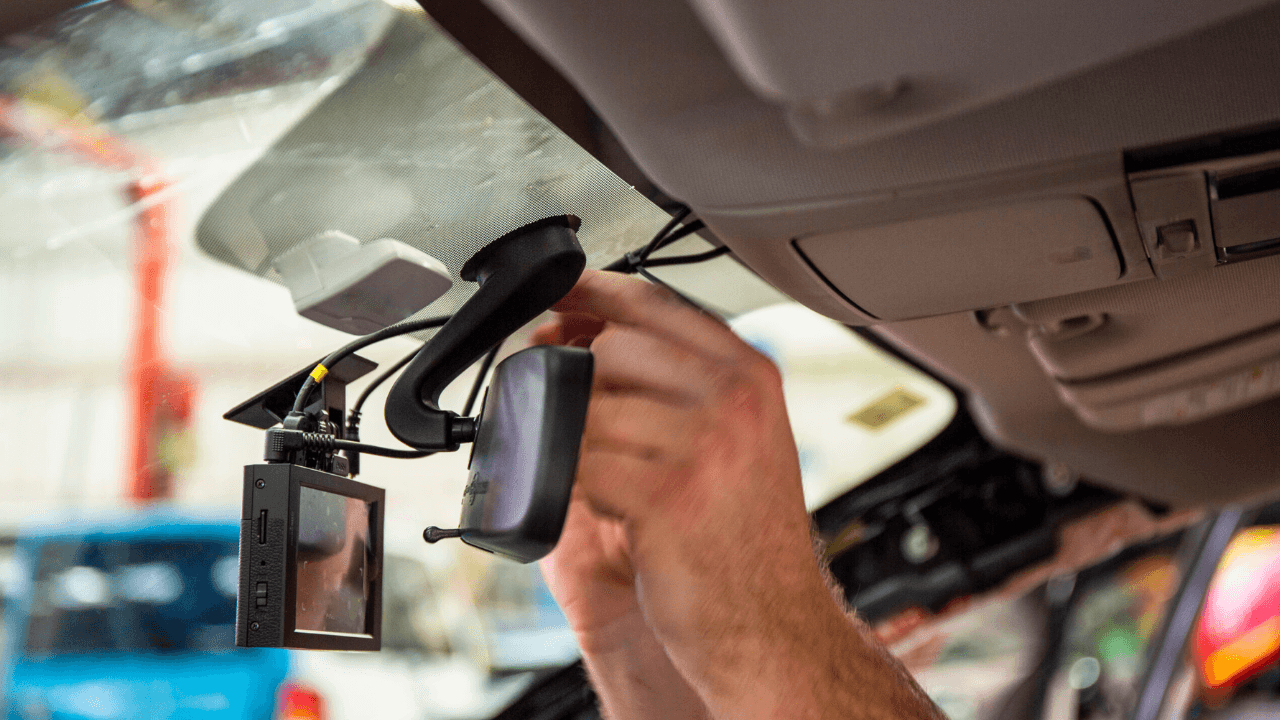
Basically, there are two types of vehicle cameras recorder systems: a dash cam or a multi-cam surveillance system. Let’s see how to install both of them:
Installing a Dash Cam
A dash cam is pretty easy to install. Here’s what you need to do:
- Attach the screen to the camera.
- Now, mount the dash cam behind the rear-view mirror.
- Clean the windshield with a clean, soft cloth for clear recording.
- Next, adjust the camera angle perfectly in between, so it doesn’t capture too much sky or dashboard.
- If the SD card isn’t in already, insert it in the storage port.
- Lastly, plug the dash cam power cable into your car’s 12V cigarette lighter socket. Test the system to see if it works properly.
Installing a Multi-Camera System
The multi-camera system might seem difficult to install, but it really isn’t. Follow these simple steps:
- Select the mounting locations to properly cover all vehicle blind spots.
- Now, mount the brackets on the proposed location and attach the sensors.
- Adjust the angles of the lenses to ensure optimal video coverage.
- Connect their video recording cables to the screen.
- Next, mount the screen on your dashboard.
- Once all components are linked, connect the system to your vehicle’s power source.
Conclusion
Well, now you know how to buy the best vehicle cameras recorder that fits your needs and budget. It is also important to look for some secondary features. That might include anti-glare lenses, night vision, auto-brightness adjustment, etc. Simply put, the more functions, the better.
But where to buy these systems from? Go for OYI Electronic. We provide high-quality, waterproof, durable, and well-tested camera-based systems at affordable, factory prices. The best part? We offer online guidance for installation assistance and after-sales support to help you with maintenance issues. So, what are you waiting for? Message us today and get a free price quote for your vehicle in minutes.